
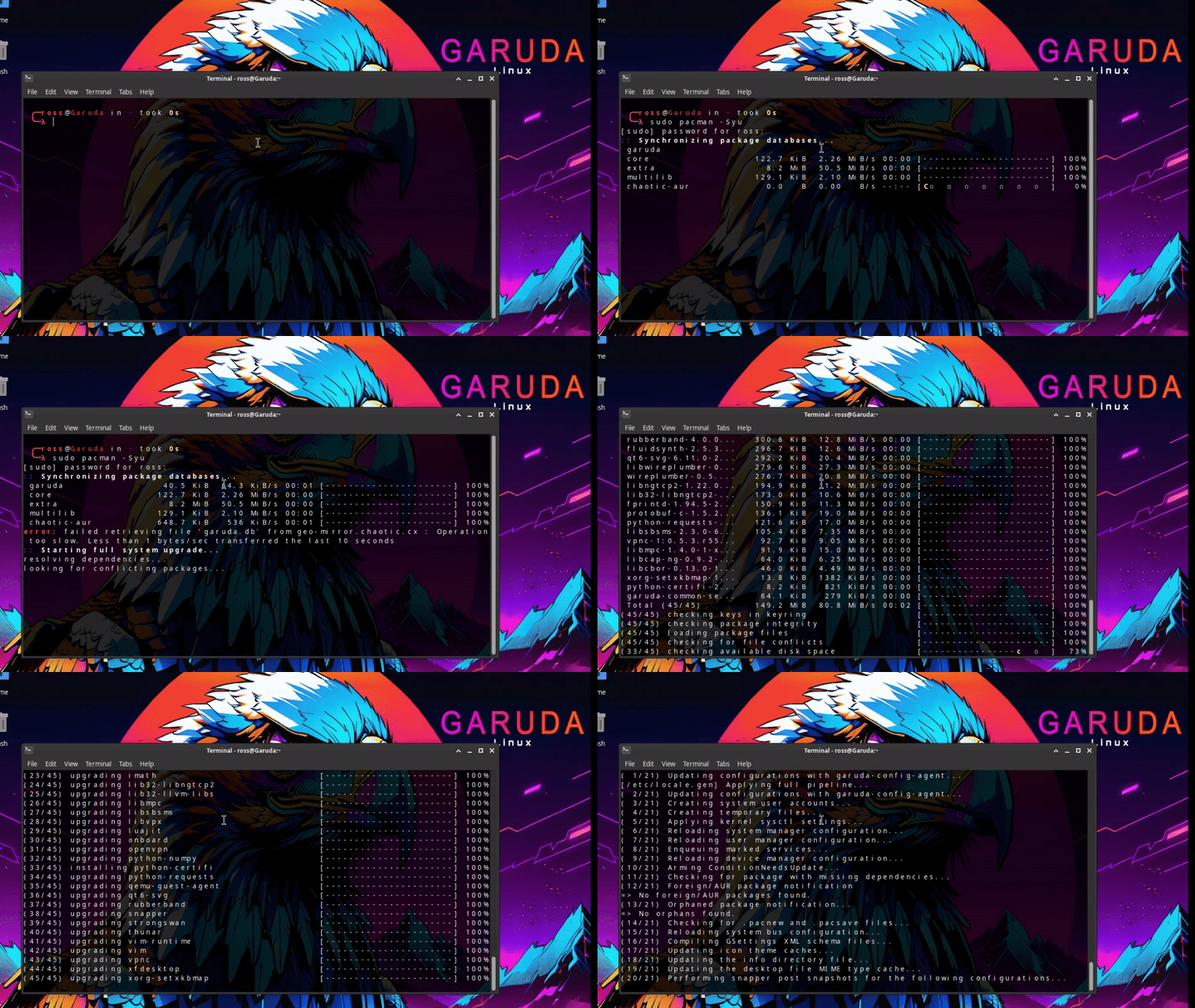
If you’re using an Arch-based system, you’ve probably done this:
sudo pacman -Syu
flatpak update
paru -Syu
That’s already multiple commands — and that’s just one distro.
⚠️ The Real Problem
Linux doesn’t have one universal package manager.
Depending on your system, you might be using:
pacman(Arch)apt(Debian/Ubuntu)dnf(Fedora)zypper(openSUSE)flatpak,snap, or AUR helpers likeyayorparu
👉 That means updating all Linux packages isn’t consistent across systems.
That means multiple commands… every time you want to update your system.
For experienced users, that’s fine.
For everyone else — it gets old fast.
🚀 A Better Way to Update All Linux Packages
Instead of remembering different commands for each distro…
You can use a tool that detects your system and updates everything automatically.
Some Linux users will tell you:
“You should learn the system.”
And they’re not wrong.
Using the terminal gives you control, flexibility, and insight into what your system is doing.
But not everyone wants that.
Some people just want their system updated… and move on.
That’s where RepoRover comes in.
It detects your system and updates:
- apt
- snap
- flatpak
- pacman
- AUR (yay / paru)
All in one run.
Instead of running multiple commands, you just:
- Launch RepoRover
- Click update
- Everything updates
Done.
RepoRover isn’t for everyone.
If you enjoy managing everything manually, the terminal is still king.
But if you:
- switched from Windows
- want a simpler workflow
- manage multiple package systems
…it can save you a lot of time.
If that sounds useful, you can download RepoRover here:
Or check out the source on GitHub: