Last week I was deep in the weeds figuring out why apt sometimes just shrugs and says, “nah, I’m good.”
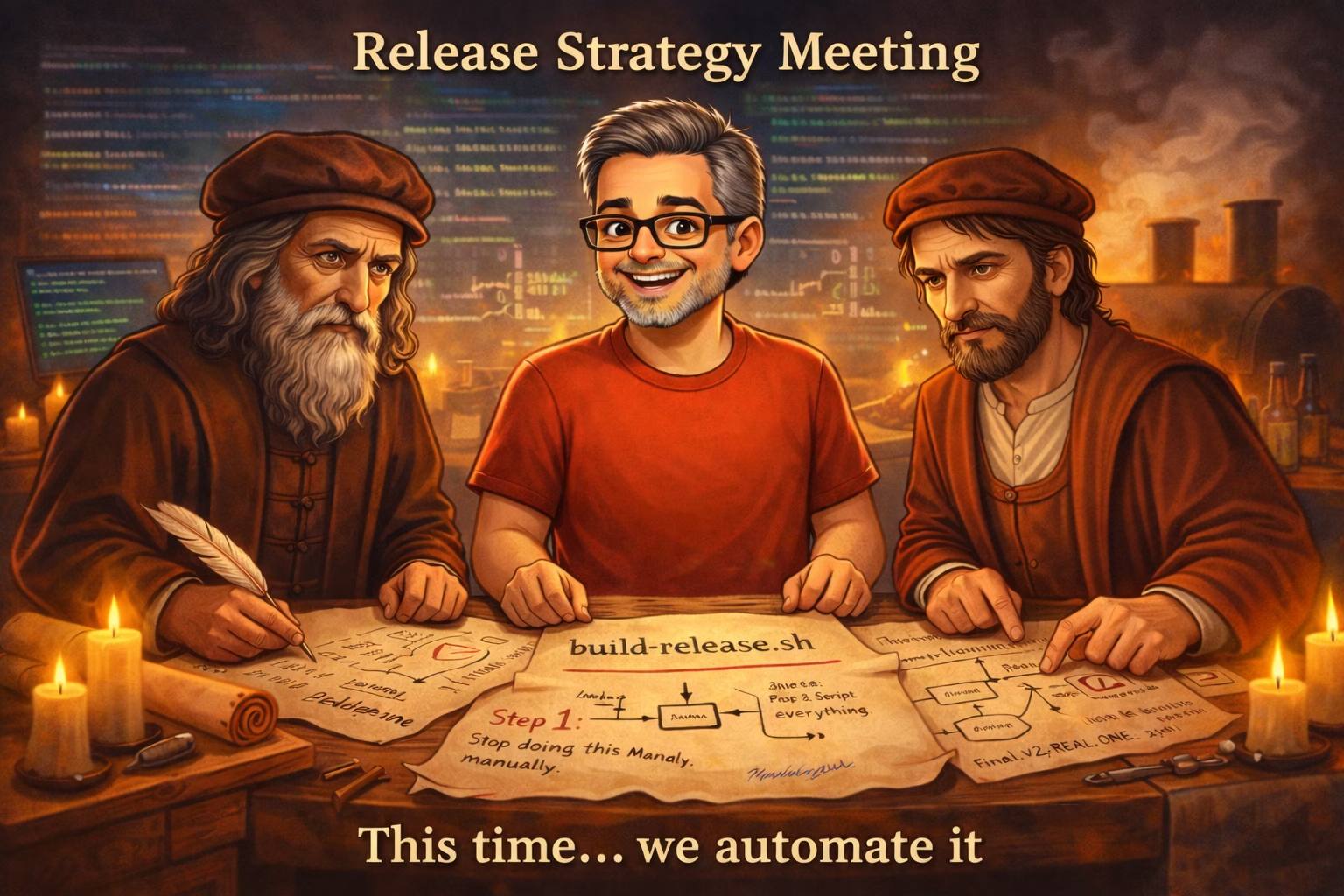
This week I focused on build-release.sh automation to simplify how I package and distribute my applications.
I apparently turned into someone who writes build scripts.
I don’t know how this happened.
🔧 The Apps Behind the Madness
- 👉 RepoRover – My cross-distro Linux updater that handles apt, dnf, pacman, snap, flatpak, and more
- 👉 Domenico – Converts videos into short looping GIFs using FFmpeg
- 👉 Leonardo – Helps prep video formats for DaVinci Resolve on Linux
(all of which can be found on GitHub!)
🧰 Step 1: Fixing the “Where Did That File Go?” Problem
If you’ve ever worked on a project long enough, your directory structure slowly turns into:
final_versionfinal_version_v2final_version_THIS_ONEuse_this_one_for_real
Somewhere along the way, my apps—RepoRover, Domenico, and Leonardo—started doing a little of that.
So this week was about:
- cleaning up file references
- making sure installs/uninstalls actually point to the right places
- and eliminating “mystery leftovers” from previous installs
Which, by the way, is how you end up with:
“Why do I have three icons and none of them work?”
🔧 Step 2: The Rise of build-release.sh automation
Then things escalated.
Instead of manually:
- exporting JARs
- copying files
- zipping things
- renaming things
- forgetting one thing
- redoing everything
…I wrote build-release.sh.
For both Domenico and Leonardo.
Let me say that again slowly:
👉 I replaced my chaotic human behavior with a script.
Now I can:
- build the app
- package it
- prep it for release
…with one command.
It’s faster.
It’s repeatable.
And most importantly:
It prevents me from being myself.
🤖 Step 3: Fewer “Oops” Releases
Before:
- “Did I include the right JAR?”
- “Wait… is this the old version?”
- “Why does this ZIP not work?”
Now:
- Run script
- Upload
- Done
This is dangerously close to competence.
☕ Step 4: The Donation Buttons (Don’t Panic)
Yes—there are now donation buttons.
No—this is not one of those:
“Please support me or the project disappears tomorrow” situations.
The apps are still:
- free
- fully functional
- not nagging you every 10 seconds
The button is basically:
“If this saved you time, cool. If not, also cool.”
Think of it less like a paywall and more like:
- a tip jar
- that I awkwardly placed on the counter
- and am now pretending not to look at
🍖 Step 5: The Real Win This Week
The biggest improvement wasn’t the donation button.
It was this:
👉 I reduced friction between “idea” and “release.”
Less time packaging = more time building.
And that means:
- faster updates
- fewer mistakes
- more weird ideas actually getting shipped
⚙️ Why Automation Matters
Automating software releases with tools like build-release.sh reduces human error, speeds up development, and makes it easier to maintain consistent builds across projects.
❓ FAQ
What is build-release.sh automation?
A simple script used to automate packaging and releasing applications.
Why automate software releases?
Automation reduces errors and saves time compared to manual packaging.
🧯 Final Thought
Every once in a while, you don’t add features…
You just make everything less painful with build-release.sh automation!
This was one of those weeks.
🔥 Coming Next
- More RepoRover improvements
- More short-form videos (yes, even the ones where I typo commands)
- And probably at least one thing that breaks in a way I didn’t expect
If nothing else, I now have a button, a script, and slightly fewer regrets.
That’s progress.