FFmpeg Slideshow Creator for Image Folders
Over the last few months, I’ve been building a set of Java applications that use FFmpeg as the engine behind the scenes.
So far, that has resulted in:
- Leonardo – Converts video formats (especially helpful for getting videos working with DaVinci Resolve on Linux)
- Domenico – Takes short video clips and turns them into animated GIFs (perfect for memes)
And now…
🎬 Introducing Raphael
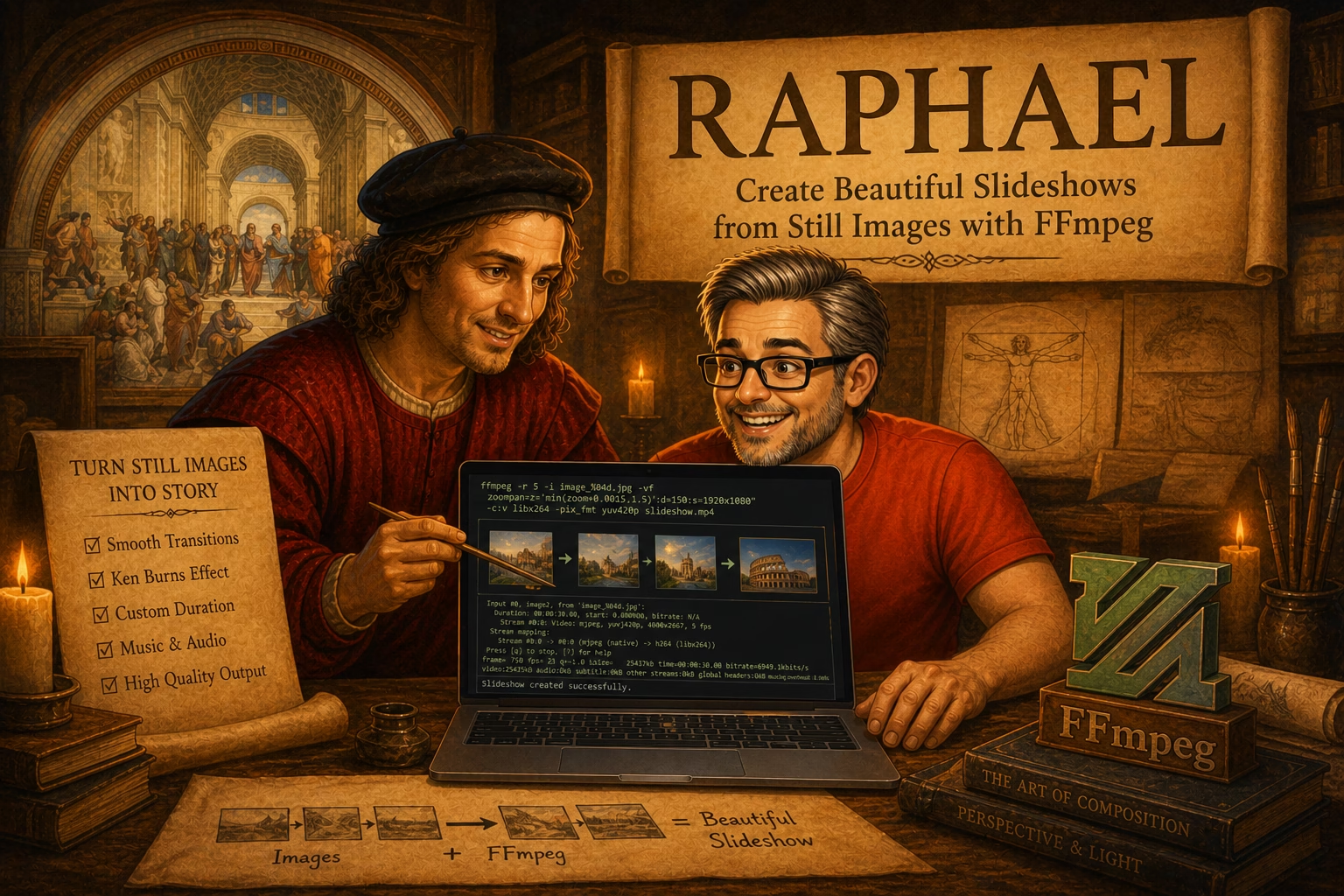
Raphael is a simple GUI application that takes a folder full of images and turns it into an MP4 slideshow.
Yes—an entire folder. No dragging files one at a time. No wrestling with FFmpeg command lines.
Just point it at a directory and let it do its thing.
🤔 Why “Raphael”?
At some point I realized I had:
- Leonardo
- Domenico
- …and now Raphael
It’s starting to sound like I’m assembling the Teenage Mutant Ninja Turtles.
That wasn’t the plan.
The idea was more along the lines of Renaissance artists bringing a little flair to otherwise very practical tools. But I’m not ruling out a fourth app named Michelangelo at this point.
⚙️ How It Works
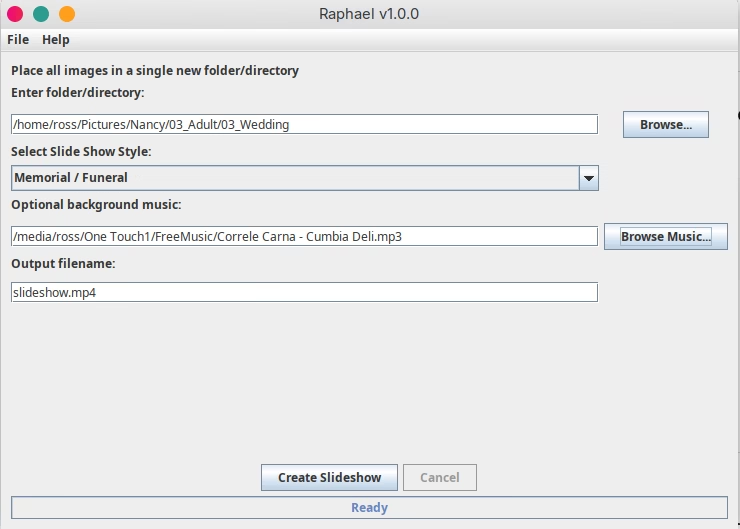
Using Raphael is intentionally simple:
- Select the folder containing your images
(JPG, PNG, GIF, and other common formats) - Choose a slideshow style
- (Optional) Add background music
- Set your output filename
- Click Create Slideshow
That’s it.
🎞️ Slideshow Styles (and Timing)
Each style changes how long images are displayed and how transitions feel:
| Style | Display Time | Fade Time | Total Per Image |
|---|---|---|---|
| Memorial / Funeral | 5.0 sec | 1.0 sec | 6.0 sec |
| Standard Slideshow | 3.0 sec | 0.5 sec | 3.5 sec |
| Fast (Social Media) | 1.5 sec | 0.3 sec | 1.8 sec |
| Rapid Preview | 0.8 sec | 0.2 sec | 1.0 sec |
So whether you’re putting together something meaningful, something shareable, or just doing a quick preview—you’ve got options.
🎵 A Few Extras
- Optional MP3 background music
- Clean MP4 output (works anywhere—YouTube, social, etc.)
- No complicated setup
Behind the scenes, FFmpeg is doing the heavy lifting. Raphael just makes it usable without needing to remember command syntax.
💻 Platform Support
Raphael is available as:
- AppImage (best experience on Linux—no install required)
- Java JAR (runs anywhere Java is available)
🔓 Open Source (No Nagging)
Like my other tools, Raphael is:
- Free
- Open source
- Not going to pop up donation requests every five minutes
📍 Try It Out
Homepage:
👉 https://bytesbreadbbq.com/raphael
GitHub:
👉 https://github.com/RossContino1/Raphael
👍 Final Thought
This one came out of a real need—turning a large set of images into a clean, consistent video without spending time manually stitching everything together.
If you’ve ever tried doing that directly in FFmpeg… you know why Raphael exists.