




There is a certain moment every Linux user knows.
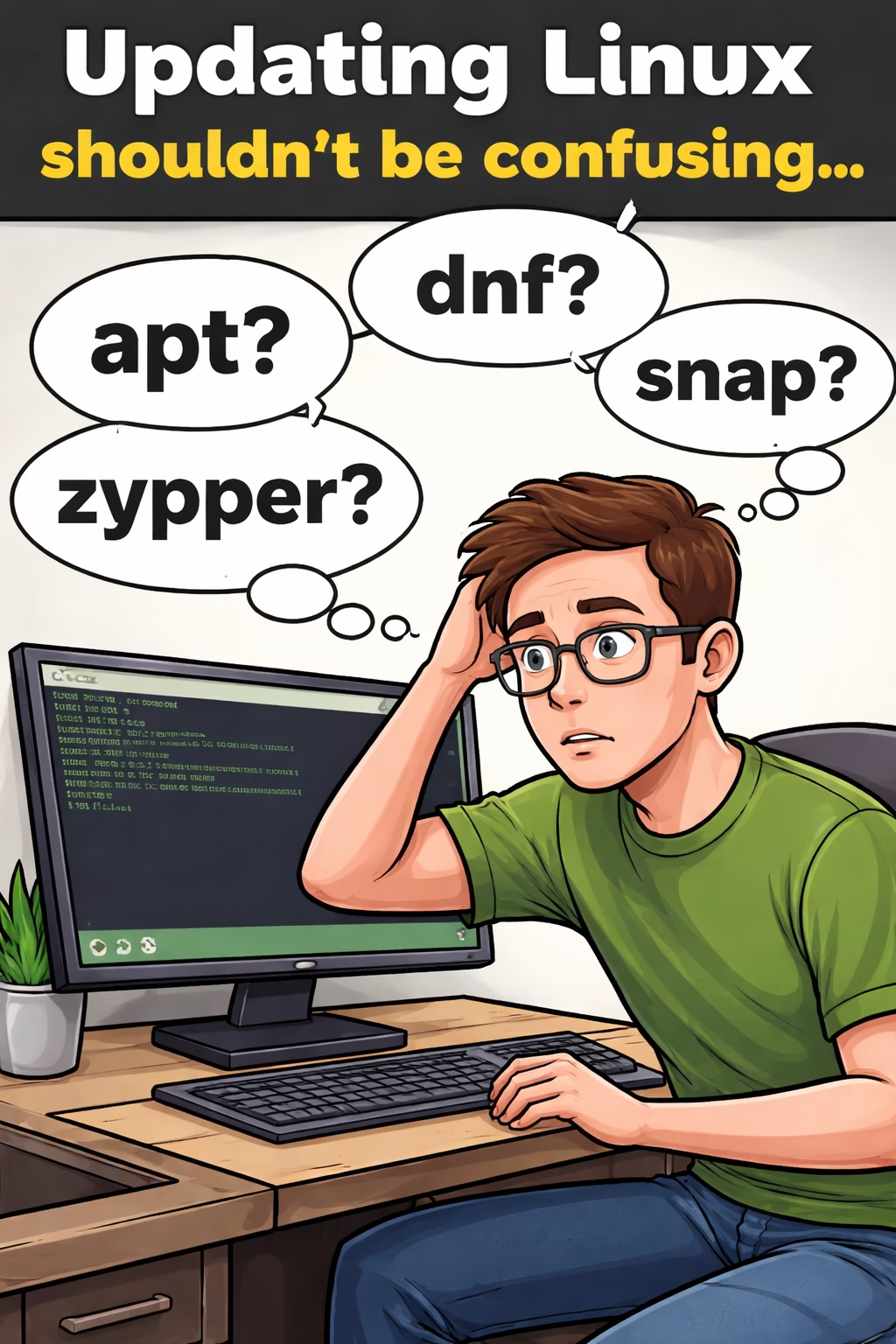
You open a terminal, confidently type the command to update your system… and then immediately realize you are on the wrong distro.
Was it apt?dnf?pacman?zypper?
Or worse… you’re on a system that somehow has three package managers installed.
Now you’re standing there like a confused archaeologist digging through ancient command history trying to remember what works where.
That’s exactly the moment SysUpdate was born.
You can download the full AppImage build of SysUpdate here:
Download SysUpdate:
https://bytesbreadbbq.com/sysupdate
GitHub:
https://github.com/RossContino1/SysUpdate
The Idea
SysUpdate is a small Linux utility I wrote to solve a simple problem:
Update everything on your system without remembering which package manager you’re supposed to use today.
SysUpdate automatically:
• Detects your Linux distribution
• Finds all package managers installed on the system
• Runs their update commands from one place
So whether you’re on:
- Arch
- Fedora
- Ubuntu
- Debian
- Linux Mint
- openSUSE Tumbleweed
SysUpdate figures out what needs to run so you don’t have to think about it.
Because thinking is hard before coffee.
It Even Checks If You Need To Reboot
After updates finish, SysUpdate also attempts to determine whether a reboot is recommended.
Many distributions quietly drop files or system indicators when a reboot is required after things like:
- kernel updates
- system libraries
- critical components
SysUpdate checks for those signals and lets you know if a reboot may be necessary.
Because nothing says “surprise!” like discovering you needed to reboot three hours ago.
Why This Exists
If you only run one distro, updating is simple.
But if you do any of these:
- run multiple Linux systems
- test distros in virtual machines
- hop between different machines
- occasionally forget things (like I do)
…then you’ve probably typed the wrong update command more times than you’d like to admit.
SysUpdate simply says:
“Relax. I’ll figure it out.”
The Technical Bits (For Fellow Nerds)
SysUpdate is designed as a lightweight Linux utility and relies on a few standard system tools.
Distribution Detection
The application reads system information to determine the running Linux distribution and selects the appropriate package manager commands.
Privilege Escalation
Administrative actions run using pkexec, allowing SysUpdate to perform updates with proper system privileges without running the entire application as root.
FUSE Support
SysUpdate also uses FUSE, which allows the application to work smoothly in environments that rely on user-space filesystem mounting — common in modern Linux desktop setups and AppImage packaging.
Nothing magical here — just clean Linux plumbing doing its job.
What Package Managers Are Supported?
SysUpdate detects and runs common package managers including:
aptdnfpacmanzypper
If additional package managers are installed on the system, SysUpdate attempts to detect and run those as well.
The goal is simple:
If a package manager exists, SysUpdate should find it.
Where To Download SysUpdate
AppImage makes installation easy:
- Download
- Make executable
- Run
No packages. No installation steps. Just launch it.
Open Source
SysUpdate is fully open source and available on GitHub:
Feel free to explore the code, suggest improvements, or contribute.
Final Thoughts
Linux has a beautiful ecosystem — but sometimes that ecosystem includes five different ways to do the same thing.
SysUpdate doesn’t try to change Linux.
It just makes one small daily task a little easier.
And if it saves you from typing apt update on an Arch machine…
…then it has already done its job.
Now if you’ll excuse me, I need to go update six virtual machines.
If you’re interested in Linux utilities, you may also want to check out my media conversion too Leonardo